
Google visibility12 November 2026
Why is my business not showing on Google Maps?
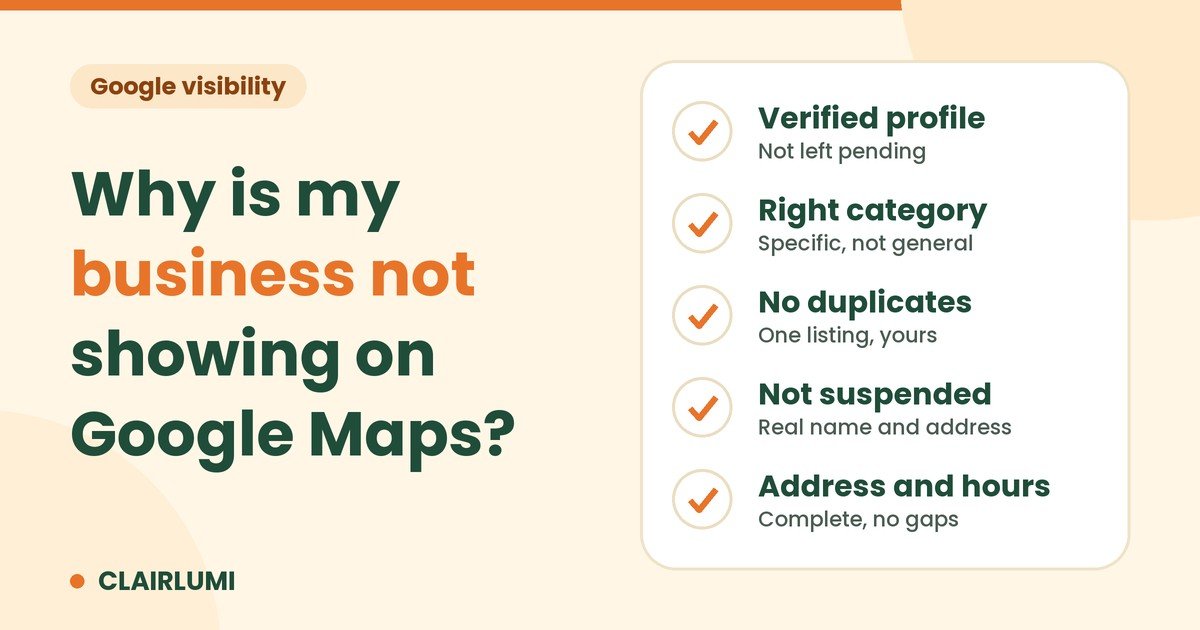
You type your business name into Google Maps on your phone, and nothing comes up. Or it comes up, but only when you type the exact name, never when a stranger searches for what you do.
That is a different problem from "customers can't find me on Google". Maps does not read your website first. It lists profiles, and a profile can fail in a few specific ways.
First, find out which problem you have
Do two searches in the Maps app, on your phone, signed out if you can.
- Search your exact business name. If you do not appear, the profile itself is the problem (reasons 1, 3 and 4 below).
- Search what you do plus your area, for example "massage near Sukhumvit". If you appear for your name but not here, look at reasons 2 and 5.
1. The profile is not verified
An unverified profile is limited. You cannot fully manage it, and it can stay hidden or incomplete. Google offers a few ways to verify, such as phone, email, video or a postcard, depending on your business and country.
If you cannot find the verify button, someone else may already own the profile: a former employee, a previous owner or an agency. Ask for ownership from your own Google account before you create anything new.
2. The primary category is wrong or too general
The primary category tells Google what kind of place you are. "Restaurant" is true, but "Thai restaurant" or "Seafood restaurant" says more. A spa listed as "Beauty salon" will be matched to the wrong searches.
Pick the most specific category that is really you. Add secondary categories only for things you really offer.
3. There is a duplicate listing
Two profiles for one place split your reviews and photos, and they confuse Google about which one is real. Duplicates often come from an old address, an earlier owner, or a profile someone created for you years ago.
Search your phone number and your old addresses in Maps. When you find a duplicate, report it to Google as a duplicate or as closed, and keep the profile you manage.
4. The listing is suspended or limited
Google suspends profiles that break its guidelines. Common causes are keywords added to the business name, a shared or virtual address, a mailbox instead of a real location, or details that do not match what a visitor finds on the spot.
You will usually see a notice in your profile. You can appeal with proof that the business is real, such as signage, a licence and photos of the place. The decision is Google's, so nobody can promise the result.
5. The address, service area or hours are missing or unclear
People often search "open now". A profile with no opening hours has less to show. Check these four things:
- the pin is on the right spot, and the address is complete
- you set a service area if you travel to customers, and hide the address only if that is your case
- the hours are filled in for every day, including holidays
- "temporarily closed" is not switched on by mistake
Fixed all five? You still compete
Maps ranks places mainly on relevance, distance and how well known they are. If several similar shops are close to the searcher, a correct profile gets you into the race, not to first place. We explain the three factors in How Google decides who shows on Maps.
If your business is missing from Google as a whole, not just on the map, start with Why customers can't find your business on Google.
Not sure which one it is?
Send us your business name, Maps link and city. The free Google check shows what a customer sees today and which of these problems you have. If you want it fixed for you, see our Google Business Profile setup. Use the buttons just below to reach us on WhatsApp or LINE.
Want us to look at your business on Google?
Send the business name, Maps link and city. We show how you appear today and what to fix, with no commitment.
Free Google check on WhatsApp or on LINE