
Google visibility5 November 2026 · Updated 12 November 2026
Why customers can't find your business on Google (and 5 fixes to start this week)
You have a good business. You have a website, maybe a Facebook page too. And yet, when someone searches for what you offer, your name is nowhere to be found.
It is frustrating, but it is rarely a mystery. Most small businesses disappear from Google for the same few reasons, and almost all of them can be fixed without a big budget or technical skills.
Here are five places to start.
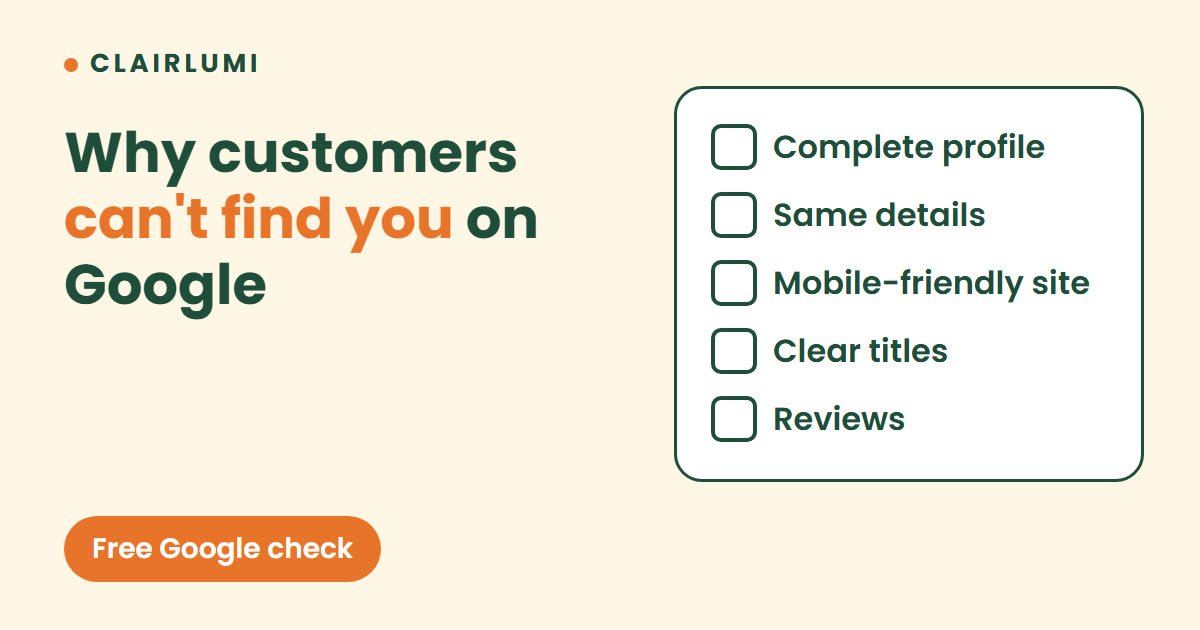
1. Claim and complete your Google Business Profile
This is the most powerful lever for local visibility. Your profile is what appears in the map results and on the right-hand side when someone searches for your business name.
Fill in everything: name, category, opening hours, service area, phone, a link to your website and a clear description of what you do. Add real photos of your work, your team and your place. A complete profile builds trust, and Google tends to favour it.
2. Keep exactly the same name, address and phone number everywhere
Google cross-checks your details between your website, your profile, social networks and online directories. If your business is called "Blue Door Café" in one place and "The Blue Door" in another, or if your number differs from one listing to the next, Google is less sure that it is the same business.
Choose one exact format and use it everywhere.
3. Make your website easy to read on a phone
Most searches happen on mobile. If your pages are slow, tiny or hard to tap, visitors leave within seconds, and that tells Google your page is not useful.
Open your website on your phone right now. Can you find your contact details in under five seconds? If not, that is your first fix.
4. Write page titles that match what people search for
The title shown in Google results should say what you do and where. "Home" tells nobody anything. "Family dental clinic in Chiang Mai | Book online" says it all.
Do the same for your main headings: simply say what you offer, in your customers' words.
5. Ask happy customers for reviews, and reply to them
Reviews reassure both people and search engines. You do not need hundreds. A steady flow of recent, genuine reviews is worth more than a burst from two years ago.
Make it easy: send a direct link to your review page after a good experience, and reply to every review, even a critical one, politely and briefly.
Do not forget to tell Google about your website
Set up Google Search Console (it is free) and submit your sitemap. You will see which pages Google has found, which searches bring you visitors and which problems are holding you back.
Visibility is a habit, not a one-off project
None of this is complicated, but it needs to be regular. An up-to-date profile, reviews that get replies and a site that loads fast: small, steady actions eventually put you ahead.
If the problem is the map in particular, read Why is my business not showing on Google Maps?
Want a second pair of eyes? Send us your business name, Maps link and city. The free Google check shows how you appear today and what to fix first, with no commitment. Use the buttons just below to reach us on WhatsApp or LINE.
Want us to look at your business on Google?
Send the business name, Maps link and city. We show how you appear today and what to fix, with no commitment.
Free Google check on WhatsApp or on LINE